Book Griha Pravesh Puja Online Book Griha Pravesh Puja Online Book Now

99Pandit Partner App - FAQs

Find solutions to all your Partner App-related questions here.

  1. Download and install the 99Pandit Partner App.
  2. Tap on Register.
  3. Enter your Name, mobile number and Email, verify it using the OTP.
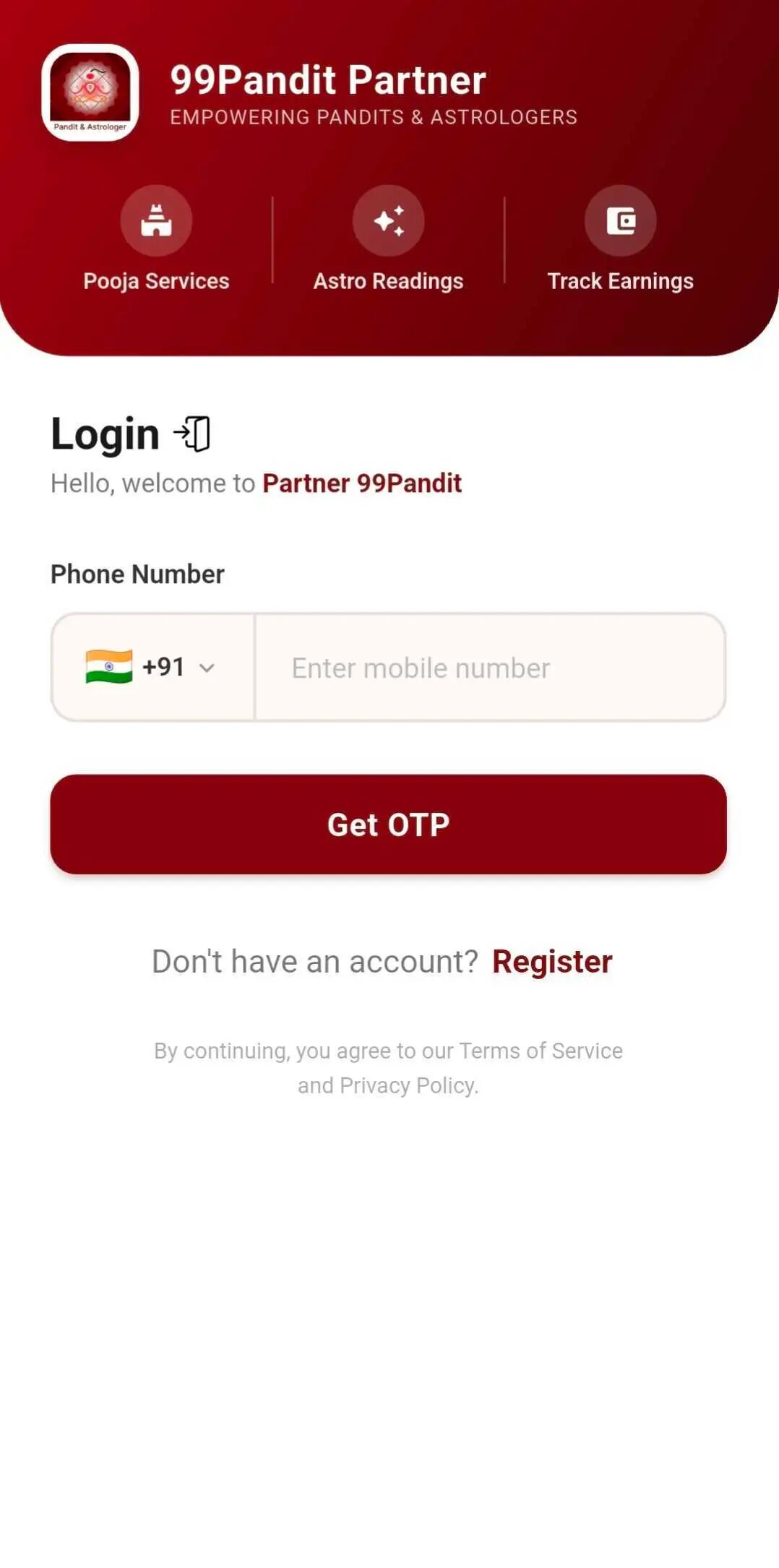
  1. Open the 99Pandit Partner App.
  2. Enter your registered mobile number.
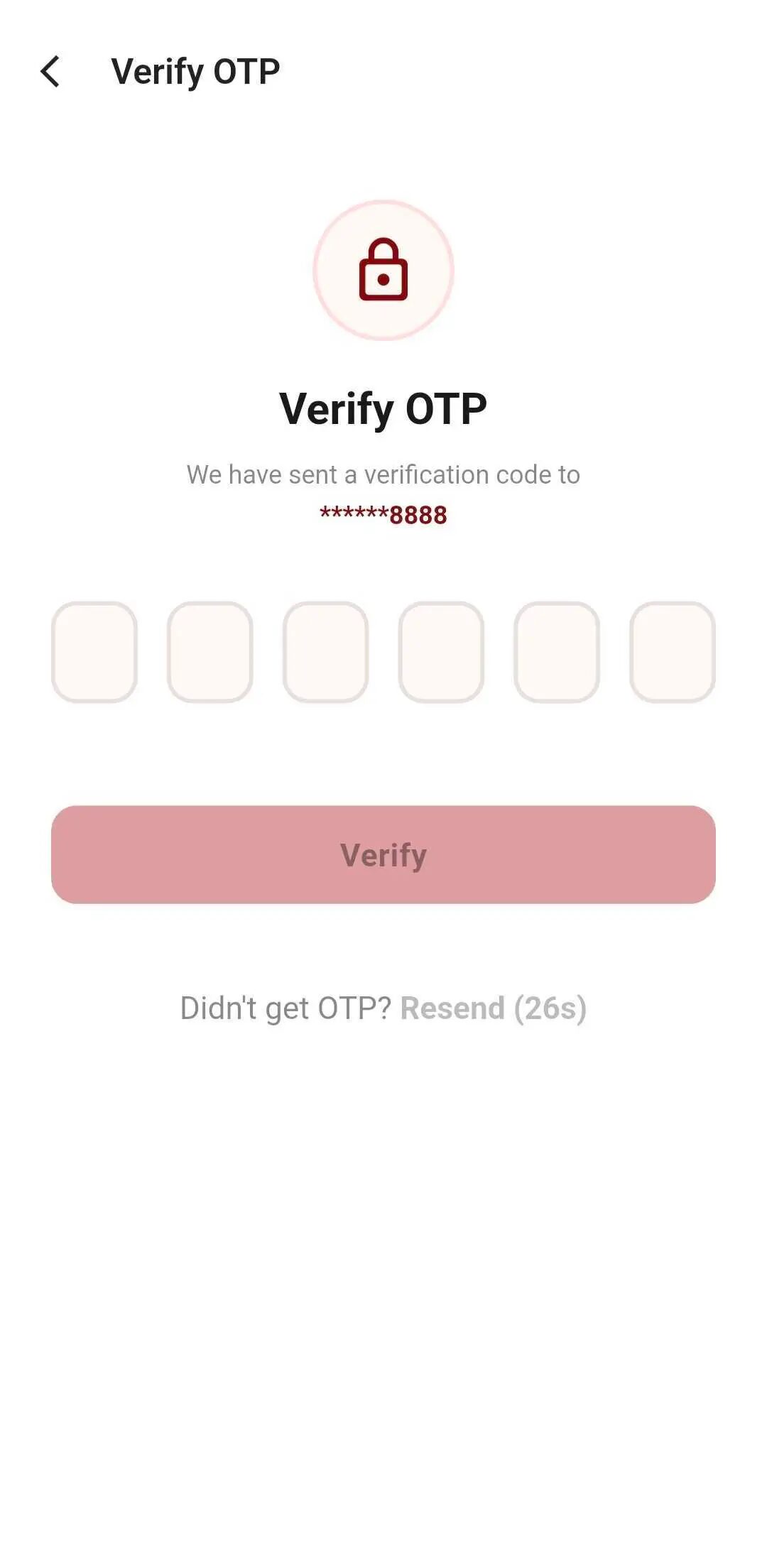
  3. Verify your number using the OTP.
  4. After successful verification, you will be logged in to your account.
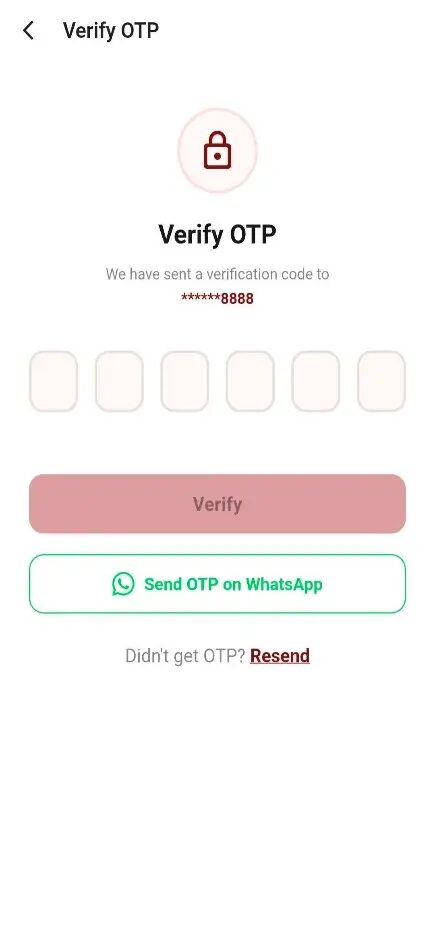
Enter mobile number for loginVerify OTP for loginLogin successful
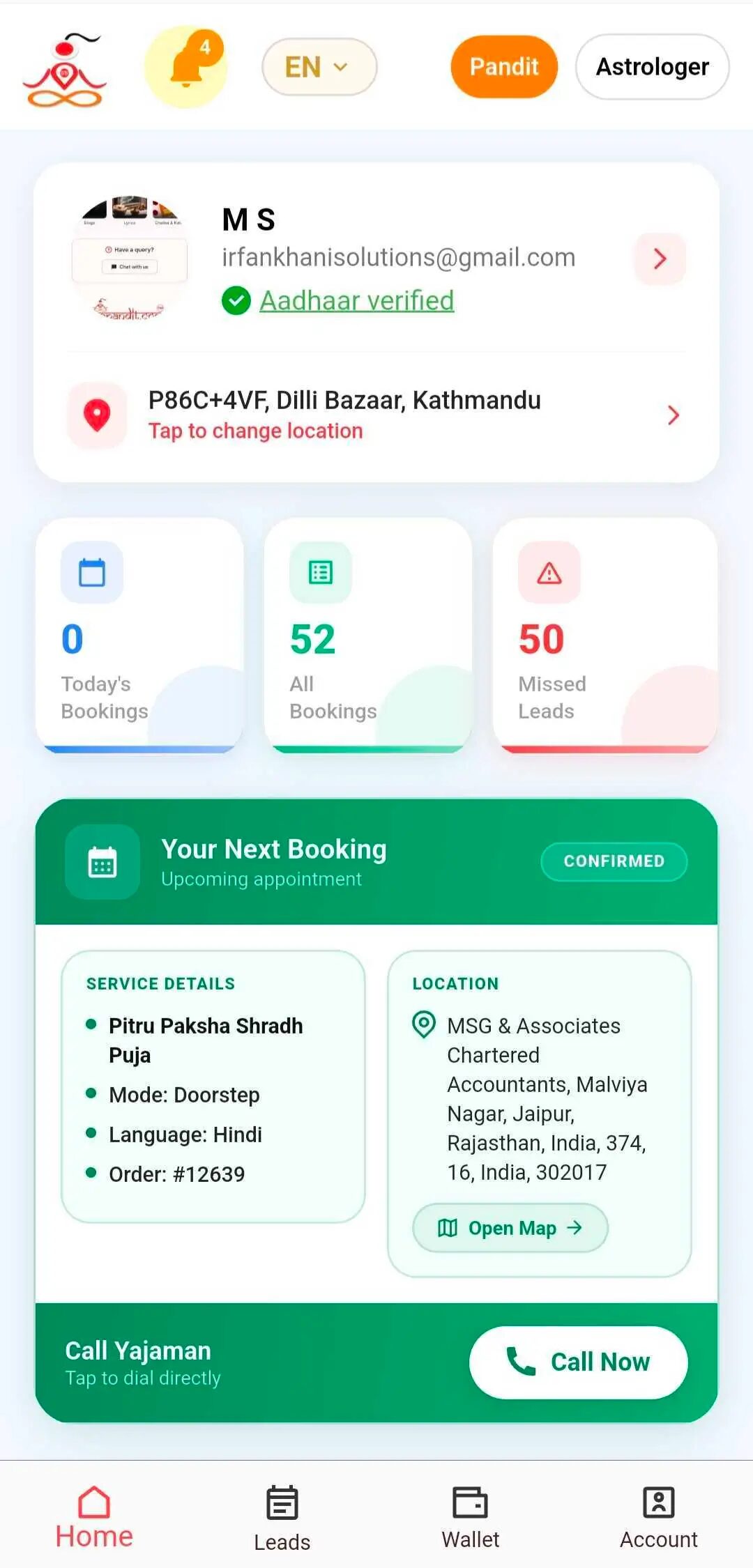
  1. Open the app.
  2. Go to Account Section.
  3. Tap on View Full Profile.
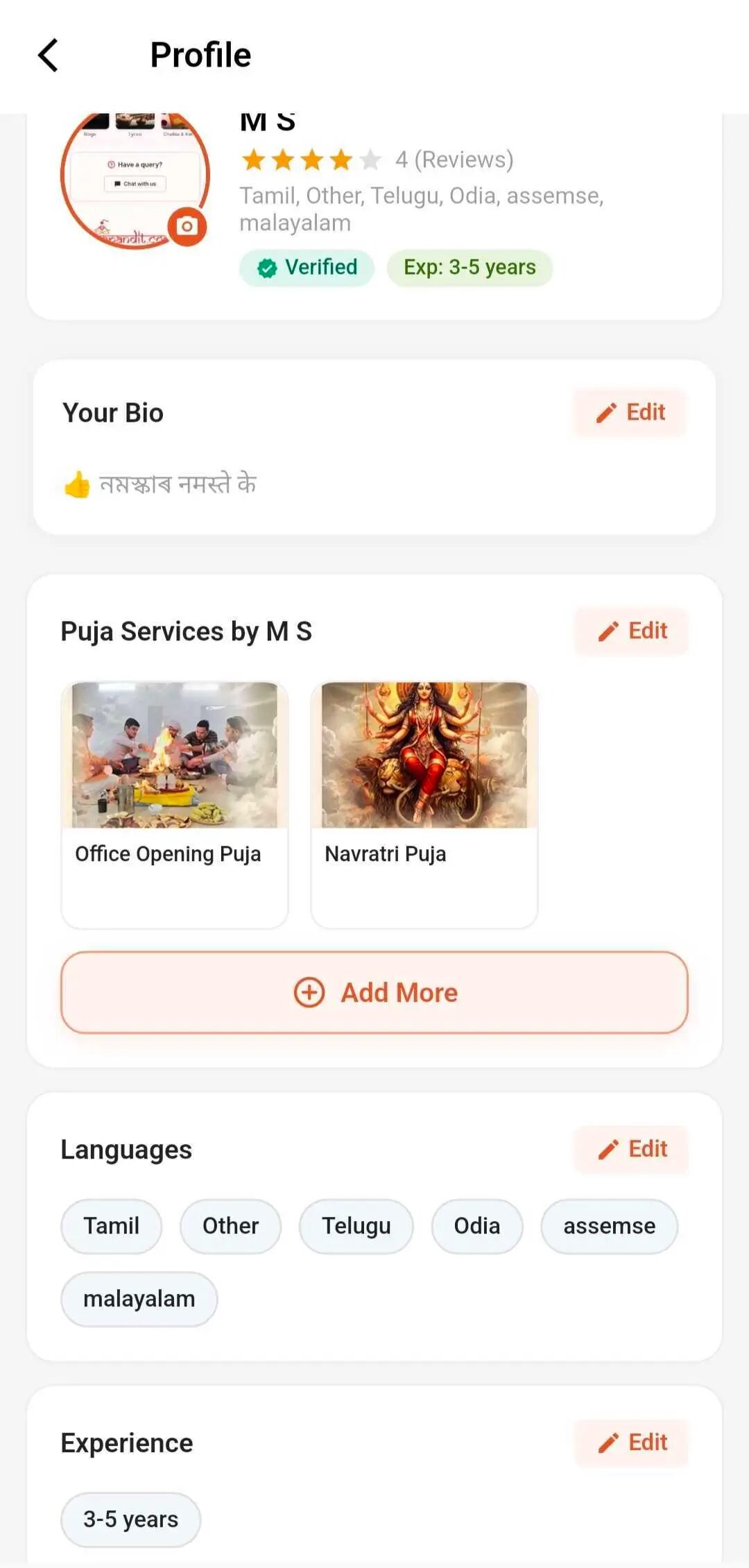
  4. Update your personal information, Bio, services, languages, experience.
  5. Tap Save to apply the changes.
Update profile screen
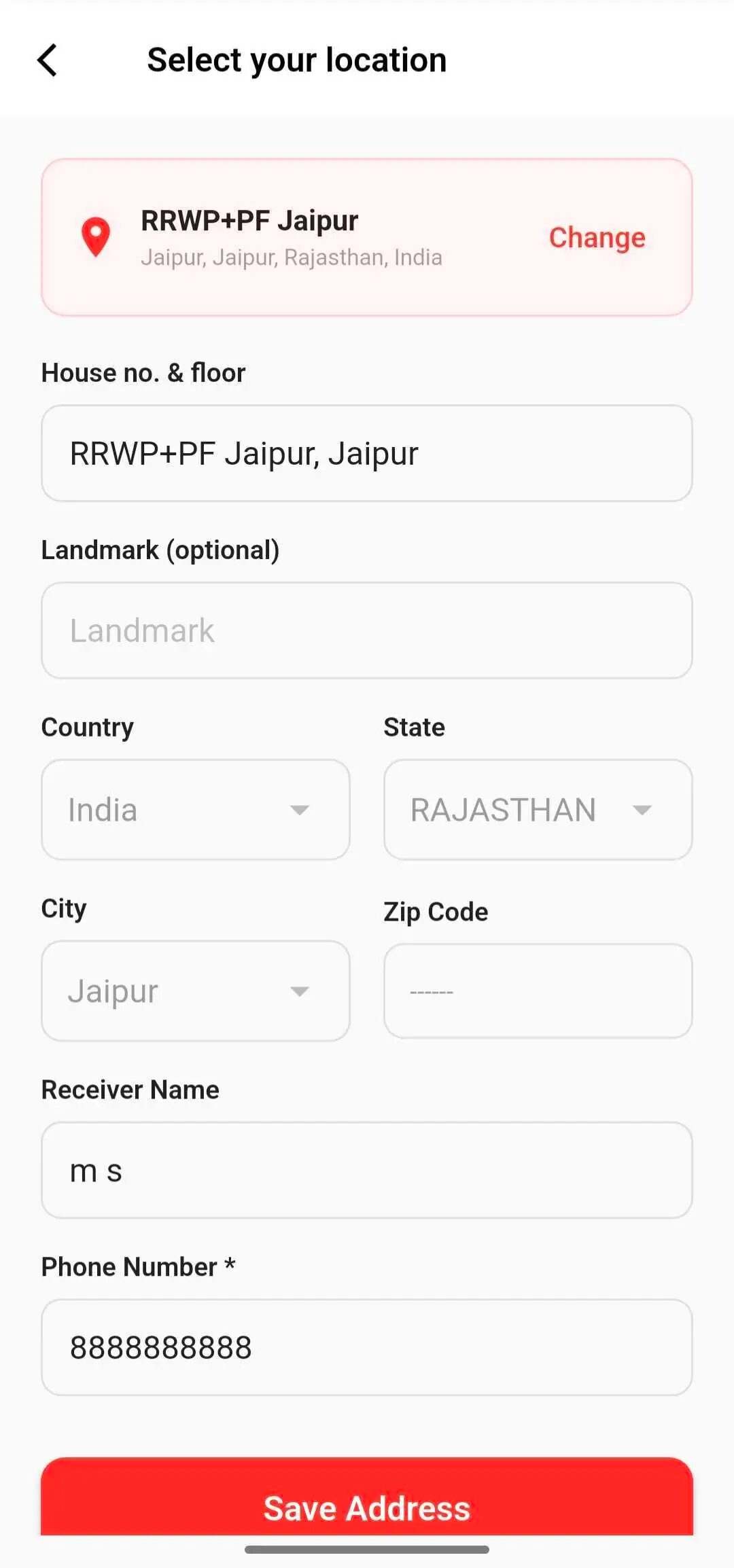
  1. Click or tap on change and update location.
  2. Navigate to the Address section.
  3. Update your address details.
  4. Tap Save to confirm the changes.
Update address screen 1Update address screen 2
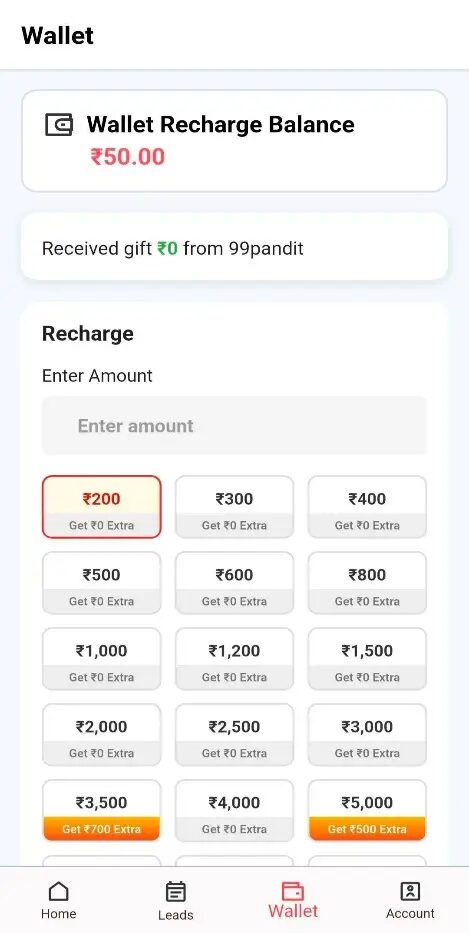
  1. Open the Wallet section.
  2. Tap Recharge Wallet.
  3. Enter or select the recharge amount.
  4. Choose your preferred payment method.
  5. Complete the payment.
  6. Once the payment is successful, your wallet balance will be updated automatically.
  1. Open the app.
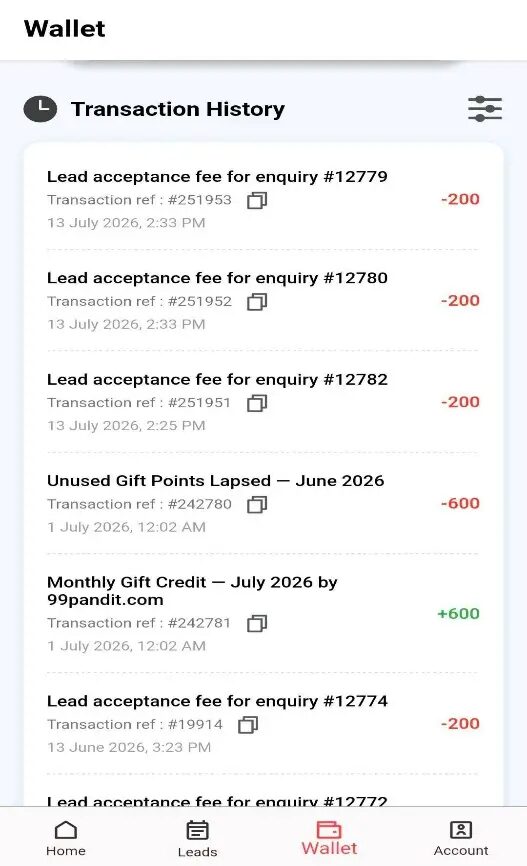
  2. Navigate to the Wallet section.
  3. Your current wallet balance and transaction history will be displayed.
Wallet balance screenWallet transaction history
  1. When a new lead is assigned, you will receive a notification.
  2. Open the Leads section.
  3. Tap Accept Lead within the given time limit.
  4. Once accepted, you can contact the customer and proceed with the booking.
  1. Open the Leads section.
  2. Navigate to Your Bookings.
  3. View all, accepted, completed, and missed leads.
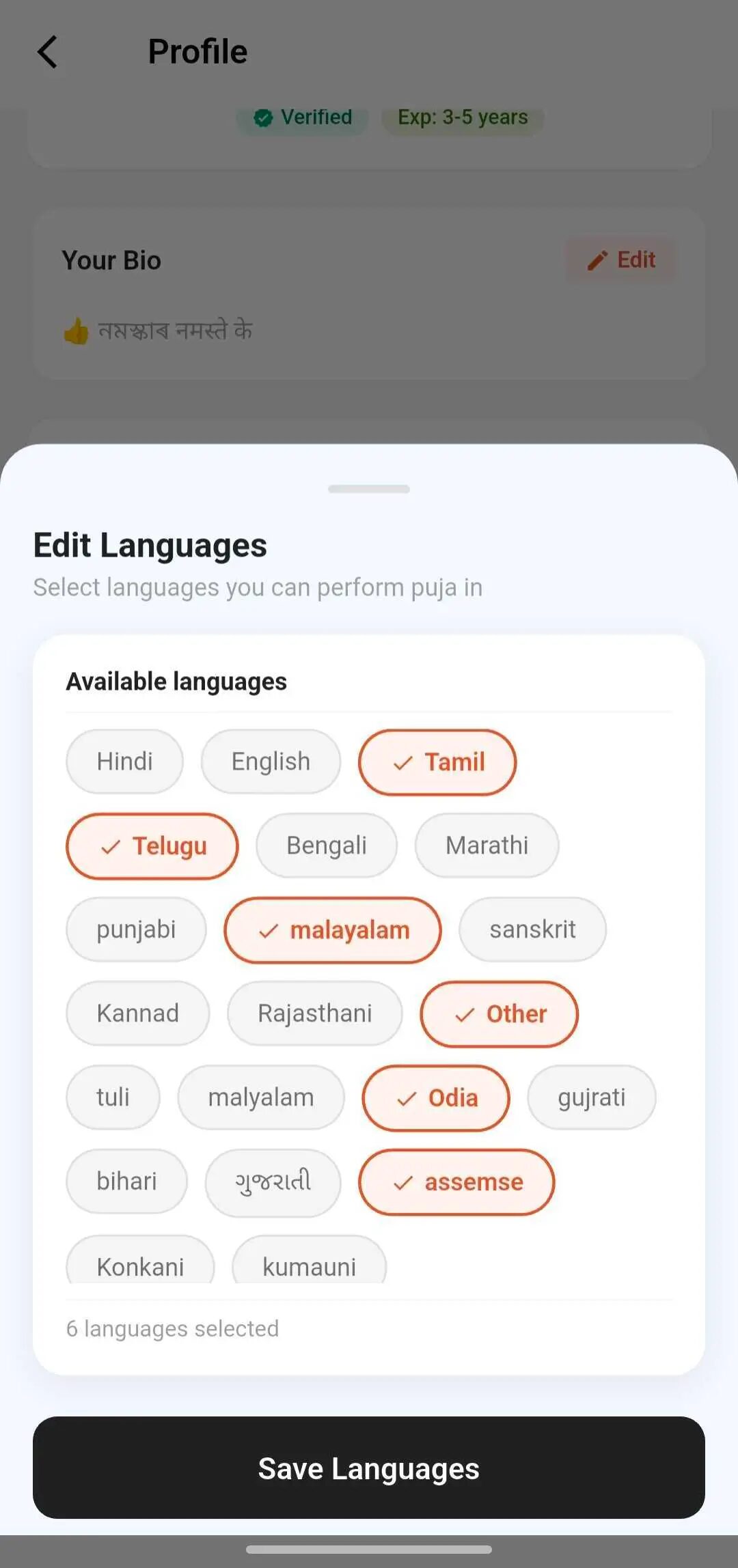
  1. Open Profile and click on view profile.
  2. Tap Languages.
  3. Select or update the languages.
  4. Save the changes.
Language preferences screen
  • Ensure your mobile network is active.
  • Wait a few moments and tap Resend OTP and WhatsApp.
  • Verify that you entered the correct mobile number.
  • If the issue continues, contact 99Pandit Support.

If you need assistance, open the Help & Support section in the app and contact the support team using the available options.

Contact Number: +916378477971
Email: [email protected]

Book a Pandit Online Anytime — Get the App

Get connected with qualified pandits near you for your specific rituals and ceremonies.

Google Play Store
Apple App Store
99Pandit App
Enquire Now
Book A Pandit
Puja Services..
Filter